Ever wondered why using a class scheduling software solution for your school is critical? Well, on one hand, a poorly created schedule can shipwreck a well-planned curriculum. Don’t you agree? All you need is to give a little attention to your teachers’ availability and your students’ preferences.
And, as if that’s not enough, making sure the new schedule you’re implementing is in line with your school policies, is a pure challenge. Take, for example, the following questions that bear upon your decision-making process:
- What if it’s essential for your school to have a specific weekday schedule alternate on a weekly or bi-weekly basis? How do you deal with it?
- Also, how should major/required electives and exploratory courses be scheduled, in relation to other subjects offered in your school?
With the help of a class scheduling software solution (or student scheduling software, or class scheduling software for schools), you can easily tackle relevant challenges; and, thus, manage to smoothen out your school’s scheduling process.
In what follows, we’ll explain, in detail, the scheduling functionality you’ll find in DreamClass. And, it’s this particular functionality that makes it an ideal class scheduling software tool, for all educational institutions. Just read on! We’re confident it’s just what you need for your school’s scheduling needs 😉.
DreamClass: a class scheduling software solution for your school
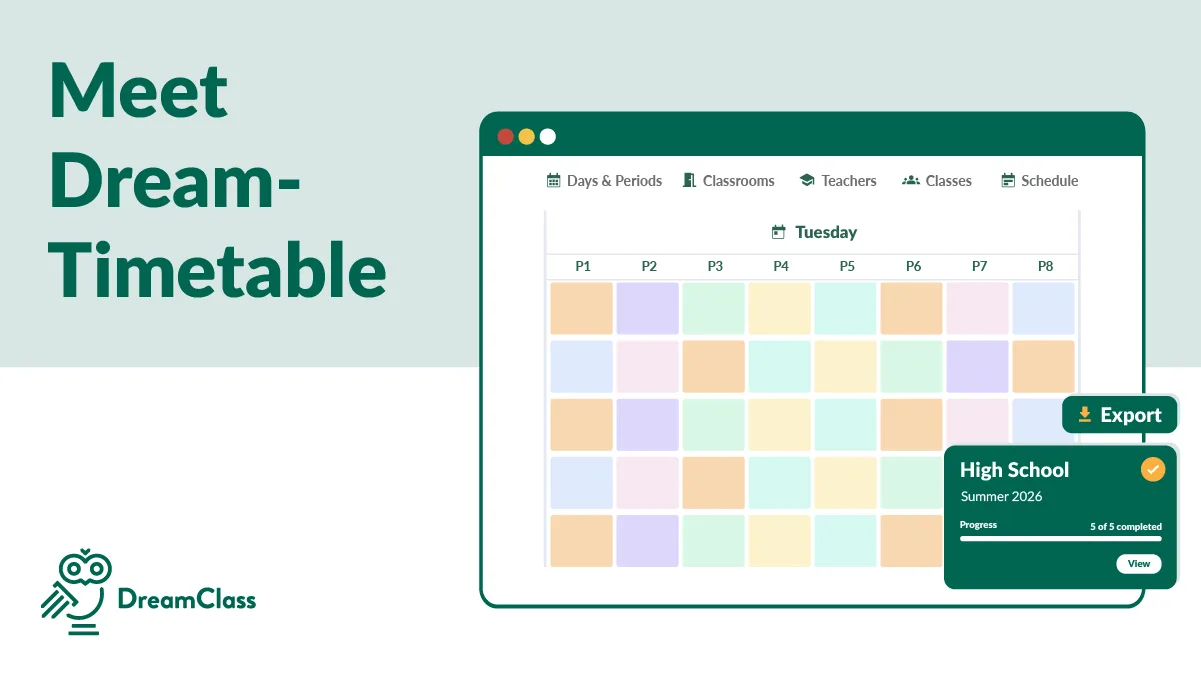
With our class scheduling software solution, you can leave behind all the time-consuming scheduling tasks you’ve been struggling with. You can add, edit, and share schedules in seconds, without the need to repeat scheduling processes and other bureaucratic headaches.
Here’s what you get with our class scheduling software for schools (or student scheduling software; it’s actually the same):
Easily schedule one-off and recurring (weekly/bi-weekly) courses
With DreamClass, you can easily create one-off lessons or lessons that repeat on a weekly or bi-weekly basis, on your digital calendar. More specifically, for one-off lessons, you can add details such as the start time of the lesson, a short title — to let everyone know what’s coming — and the duration of the lesson; and you’re done! And, on top of that, lesson duration is also used to calculate student fees, if needed. That’s course scheduling software for you, right there!
In a similar fashion, for recurring lessons, you can set the repeat pace (weekly or biweekly), the weekdays you want that lesson to be repeated, along with start time and duration time; these work the same way as above. And that would be it. You’ll have all of your recurring lessons created on your school’s digital calendar. Additionally, you may add titles to each one of the occurrences, as you’ll prepare your teaching material, and so on. Finally, you’ll also be able to edit the recurrence rules of your recurring lessons, updating any one of the aforementioned parameters; or you may delete all scheduled instances, at once.
Create detailed descriptions of your scheduled lessons
Each one of the lesson instances you add to your digital schedule does not contain merely the lesson name. DreamClass allows you to insert additional information, such as the Title mentioned above, along with Lesson Content and Public Notes. By adding such details on scheduled lessons, you track all the information you need to properly prepare your lectures, right on your course scheduling software.
Schedule school events, in seconds
DreamClass does not work only as class scheduling software for schools; its student scheduling software. That is to say, apart from lessons you may also schedule school events, in seconds. All you need to do is fill in details, such as title, description, date, and duration; and your color-coded school event will appear on your school calendar. Finally, you may choose to make each one of your school events visible to students and/or teachers.
Personalized schedules available to teachers, students, and guardians
Another useful feature — among others — you’ll find in our class scheduling software, DreamClass, is the personalized versions of your school schedule, accessible from the teacher, student, and guardian portals. To elaborate, teachers and students will be able to view a custom version of the schedule, containing all scheduled lessons they have been assigned and enrolled respectively. Not only that, they will also be able to view details, such as the title and duration of the scheduled lesson along with extra information in the content and notes sections. This way, they’ll have a better understanding of what’s coming. That information will be also available to guardians, in case they need to have a look at information related to their children’s studies.
Track scheduled lesson history with a scheduling software solution
With DreamClass, you have the option of setting the status of your scheduled lesson as scheduled (by default), completed or canceled. This way, you can keep track of all lessons on your digital timetable; and be in the know of what actually happened with each one of them. And, on top of that, the status of each scheduled lesson will be visible on your calendar, so that all interested parties — teachers, students, guardians — have an actionable daily plan. To elaborate, by setting scheduled lessons as canceled, you help students keep up with their studies, in case they’ve been absent. In a similar fashion, class schedule history tracking is also useful for guardians who need to oversee their children’s studies.
What schools say:
DreamClass Review (BESTuition)
1. Affordable monthly subscription, even for small organizations. No huge set-up costs. 2. Simple, intuitive, and immediate set-up. Try it yourself with a simple free trial. Then seamlessly convert to a paid subscription. No sunk set-up costs. No risk! 3. Beautiful and intuitive user-interface. 4. Excellent and responsive customer service. 5. New features rolling out regularly.
Operations Manager Education management
Simple, Streamlined, Sleek . . . And Affordable!
Amazing! The folks at DreamClass have been great to work with. They are personal, knowledgeable and helpful. I can’t speak to the needs of a large organization, but for a small organization, DreamClass is the perfect solution!
Registrar Education management
Don’t go on a wild goose chase; schedule your school classes in seconds with DreamClass
Tasks, such as structuring and planning school activities, require way more than strong organizational skills. To elaborate, preparing, constantly monitoring, and revising school timetables are only the tip of the iceberg; in terms of school scheduling tasks. All the more so, when lesson scheduling is a paper-based process.
With the help of class scheduling software for schools, such as DreamClass, you’ll enjoy optimal scheduling; regardless of the type or size of your educational institution.
Try DreamClass for free, and see how you can make the most out of the scheduling functionality, and more, for yourself!
FAQ
Frequently Asked Questions
Why should schools use class scheduling software?
It streamlines planning by automating recurring lessons, aligning schedules with policies, reducing errors, and giving teachers and students a clear, organized timetable without manual, time-consuming tasks.
How does DreamClass help schools manage complex schedules?
DreamClass creates one-off or recurring lessons, updates rules instantly, tracks lesson status, and shares personalized schedules with teachers, students and guardians for smooth and accurate coordination.
Can DreamClass manage school events alongside class schedules?
Yes. DreamClass lets schools create and display events with titles, descriptions, dates, and durations, making them visible to chosen user groups on the calendar.
What is the best app for making class schedules?
We think a strong option is DreamClass, offering automated scheduling, personalized timetables, event management, and clear visibility for teachers, students, and guardians.
Where can I create a class schedule?
You can create class schedules directly inside DreamClass, using its digital calendar to build lessons, events, and recurring sessions with adjustable rules.