Handling student enrollment and class scheduling is one of the most time-consuming challenges schools face. Whether you’re running a small private academy, a growing independent school, or a vocational training program, the need to streamline both processes in a single platform has never been more urgent. The right class scheduling software makes these tasks faster, more accurate, and far less stressful. This guide explores what to look for in a modern schedule and enrollment platform, what features matter most, and how tools like DreamClass compare.
Why Do Schools Struggle with Scheduling and Enrollment Tools?
Despite advances in EdTech, many schools still rely on disconnected systems. One platform manages applications. Another tracks attendance. Teachers create their own spreadsheets for class lists. The result includes mistakes, miscommunication, and a lot of wasted time.
And real-world reviews echo this. One school leader noted how a lack of usability added friction to daily tasks:
Great Platform for Schools and Events
DreamClass offers a lot of bang for your buck – classroom or event registration, detailed user data, customizable admissions forms, a well-respected and secure payment option (Stripe integration), and great classroom management and attendance-taking ability. Teacher usability is very important for us, and the fact that our staff were able to utilize said features without much training necessary was super helpful. Parent portal information is also expertly laid out and easy on the eyes. Additionally, the tagging feature is extremely helpful for teachers and admins to organize their classes, students, parents and school resources.
Operations DirectorReligious institutions
These struggles are common. They’re the reason more schools are seeking centralized systems that merge scheduling with enrollment. Let’s see what’s included then!
What Features Make a Scheduling System Truly Easy to Use?
An effective enrollment and scheduling system will digitize tasks, as one would expect. But it also eliminates friction. If you’re looking for one, keep your eyes peeled for these standout features:
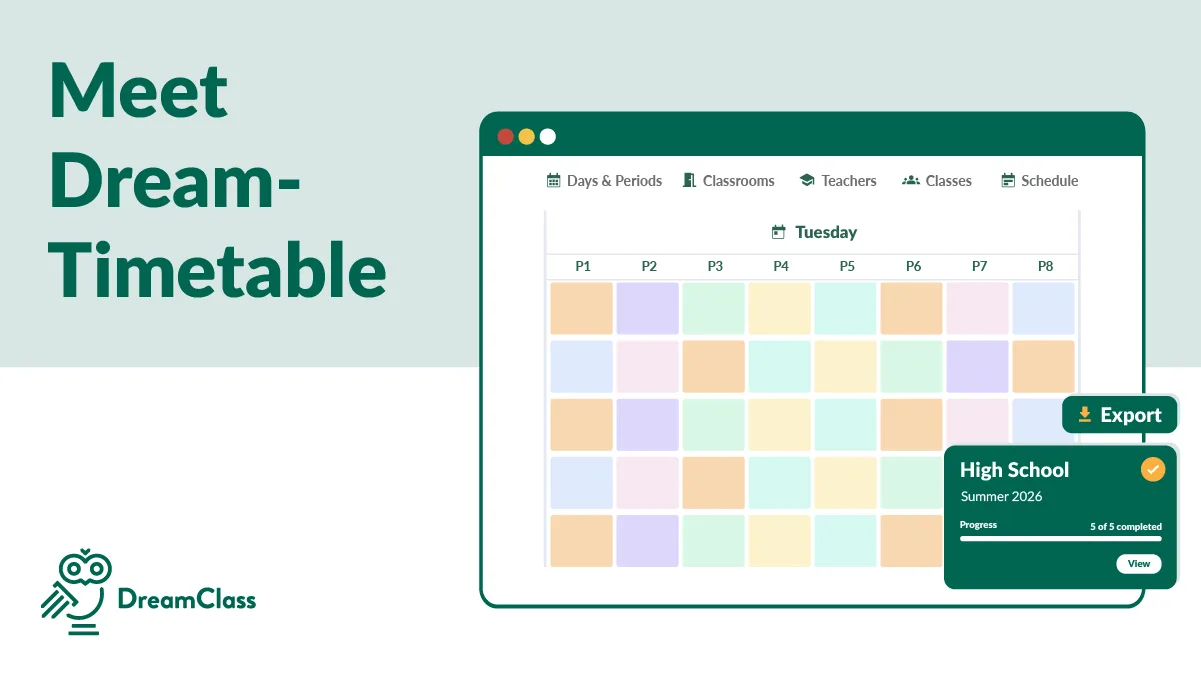
- Visual schedule builder: Create timetables, using drag-and-drop calendars or templates.
- Integrated enrollment forms: Collect admissions data without relying on third-party tools.
- Self-registration portals for families: Allow parents or students to enroll directly, reducing all that tedious back-and-forth.
- Real-time syncing: Keep calendars, rosters and attendance automatically updated.
- Module-to-module data flow: No need to re-enter data between admissions, classes, billing, or communications.
Each of these contributes to ease of use. Instead of adding complexity, a good system simplifies it all.
For instance, DreamClass offers class scheduling tools that let you repeat sessions, add breaks, or edit schedules mid-term, without restarting your entire plan.
Which Platforms Handle Scheduling and Enrollment Seamlessly?
Let’s compare a few platforms that combine enrollment and scheduling features.
1. DreamClass
Best for: Small to mid-sized schools, independent schools, and vocational programs
Feature highlight: Combines admission management and class scheduling in one platform.
Benefits:
- Easy-to-use interface requiring little to no training
- Configurable sessions, recurring classes, and breaks
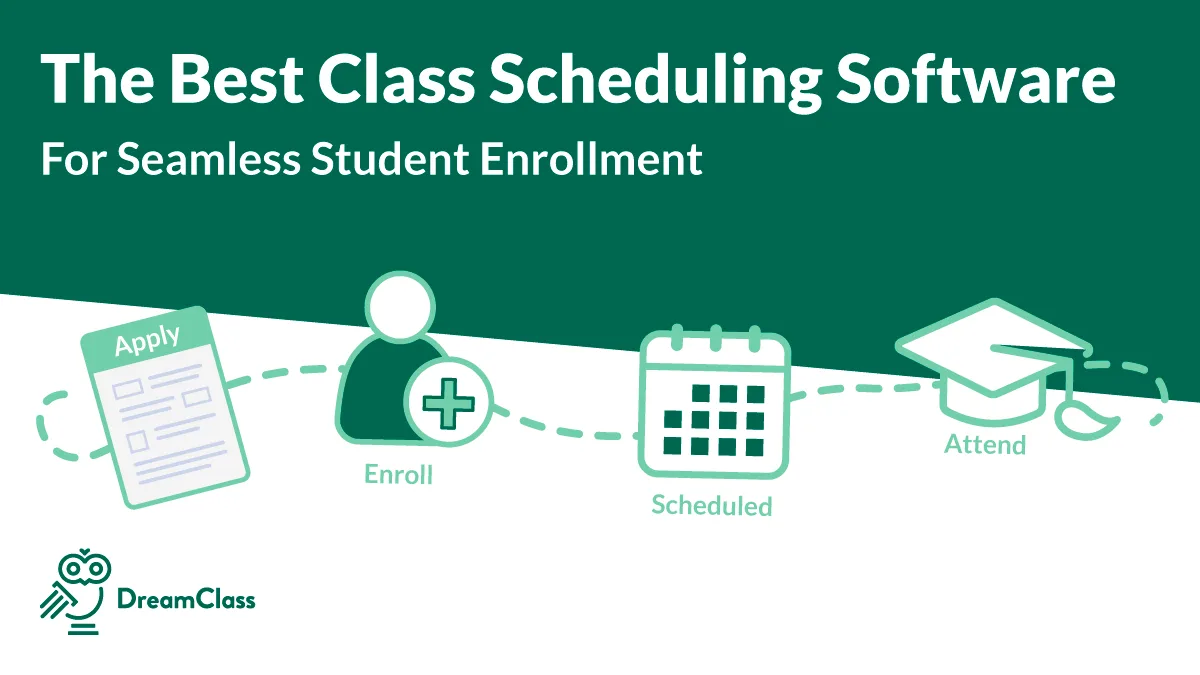
- Seamless transition from enrollment to class placement
DreamClass is a powerful SMS that is streamlining and elevating our School’s operations.
First and foremost, the best thing about DreamClass is their team! DreamClass solved several pain points with our previous system, making our enrollment and financial process smoother. The user interface is well-organized and easy to understand with student/parent portals being a significant improvement over our last SMS. DreamClass is a cost effective and integrated solution to replace our use of Google Classroom and makes it easy for us to be GDPR compliant. The development team is very responsive, quickly addressing user feedback and consistently introducing enhancements that improve functionality. Very important for small organizations: DreamClass provides an amazing SMS solution at a very reasonable price point!
Chief Operating Officer and Chief Technology OfficerEducation management
2. Blackbaud Education Management
Best for: Large private schools and multi-campus organizations
Feature highlight: Integration across admissions, learning and fundraising
Potential Limitation: Higher cost and complexity for smaller institutions
3. Gradelink
Best for: Faith-based schools and independent K-12 schools
Feature highlight: Simple SIS tools with scheduling, grading and attendance
Potential Limitation: Basic scheduling features with limited flexibility
4. FACTS SIS
Best for: Private and parochial schools
Feature highlight: Financial and tuition integration
Potential Limitation: Steep learning curve and support limitations noted by smaller teams
Be that as it may, DreamClass consistently earns praise for its balance of features, usability, and affordability.
How Does a Good Schedule and Enrollment Platform Save Time?
Before adopting DreamClass, many schools report using up to 4–5 tools. That means re-entering the same student data for applications, timetables, and tuition, multiple times. But with an all-in-one platform, this becomes a thing of the past.
And the relief is real:
Seamless Transition & Support with DreamClass
Having the school calendar, student financials, attendance, assignments, SIS and applications all in one place is the greatest benefit. We had 4 different platforms prior to DreamClass and are now able to function as a school in one. This has been extremely effective and efficient.
SLS Operations DirectorEducation management
And, you know, all that is not just about saving time. The real issue runs deeper. For educators and admins, this is clearly about gaining confidence that nothing’s falling through the cracks. In other words: trust.
What Should You Ask Before Choosing a Class Scheduling Software?
Here’s a quick checklist to evaluate any platform you’re considering:
- Can it handle late enrollments without breaking the schedule?
- Do teachers have access to view and manage their rosters?
- Can families view schedules through a portal?
- Does it sync changes in real time across departments?
- Is there a way to quickly edit sessions, mid-term, without confusion?
- Does the platform integrate grading, attendance, and billing too?
The list might not be exhaustive, but it stands to reason that the more boxes a tool checks, the more likely it will ease your workload; not add to it.
Is DreamClass a Good Fit for Your School?
Whether you lead a traditional K-12 school, a homeschool collective, or a vocational training school, DreamClass adapts.
Explore how it serves different institutions:
Final Thoughts: Time to Stop Juggling Tools
An effective class scheduling software does more than organize your calendar. It aligns enrollment, attendance, communication, and billing in one unified platform. When it works, it saves hours every week and cuts down on confusion for everyone involved. And, it helps parents and teachers build trusting relationships.If you’re tired of pushing through disconnected tools and messy spreadsheets, DreamClass might just be the reset button your school needs.
FAQ
Frequently Asked Questions
Can one platform handle both class scheduling and enrollment?
Yes, tools like DreamClass can unify both processes, keeping data consistent across the entire student lifecycle.
What’s the best class scheduling software for small schools?
DreamClass is designed with small-to-mid institutions in mind, combining ease of use with robust features.
How secure is online enrollment data?
DreamClass applies modern cloud security standards to protect student information.
Will families need training to use it?
No. The student portal and parent-facing tools are intuitive and mobile-friendly.