Let’s talk about DreamClass vs Legacy SIS. It’s a question you’ll have to know the answer to right before your school finally decides to make a change. Maybe your admin team spends Monday mornings re-entering the same attendance data across three separate tools. Or maybe parents keep calling because they can’t find their child’s grades online. Whatever the reason, the comparison matters, because a student information system touches every part of how a school runs, from enrollment and billing to daily parent communication. The reasons rarely vary. Schools that switch to DreamClass consistently point to outdated interfaces, records split across disconnected tools, and slow support as the tipping point.
What is a Legacy Student Information System?
A legacy student information system is an older SIS platform, often built as a standalone tool, or stitched together through acquisitions that a school has outgrown or that no longer matches how it actually operates. Vendors built most legacy student information systems for a different era of school administration. Many of these platforms started as desktop applications or early cloud tools, and developers patched them over the years, instead of redesigning them. The result is often a system that technically works, but requires extra steps for tasks that should take seconds, like pulling a report or updating a family’s contact information.
Legacy platforms tend to share a few traits. They rely on manual data entry, across disconnected modules. They offer little or no mobile access for parents and teachers. Support tickets sit in a queue for days, instead of hours. Together, these traits slow a school down, even when no single one feels like a dealbreaker.
DreamClass vs Legacy SIS: Core Differences at a Glance
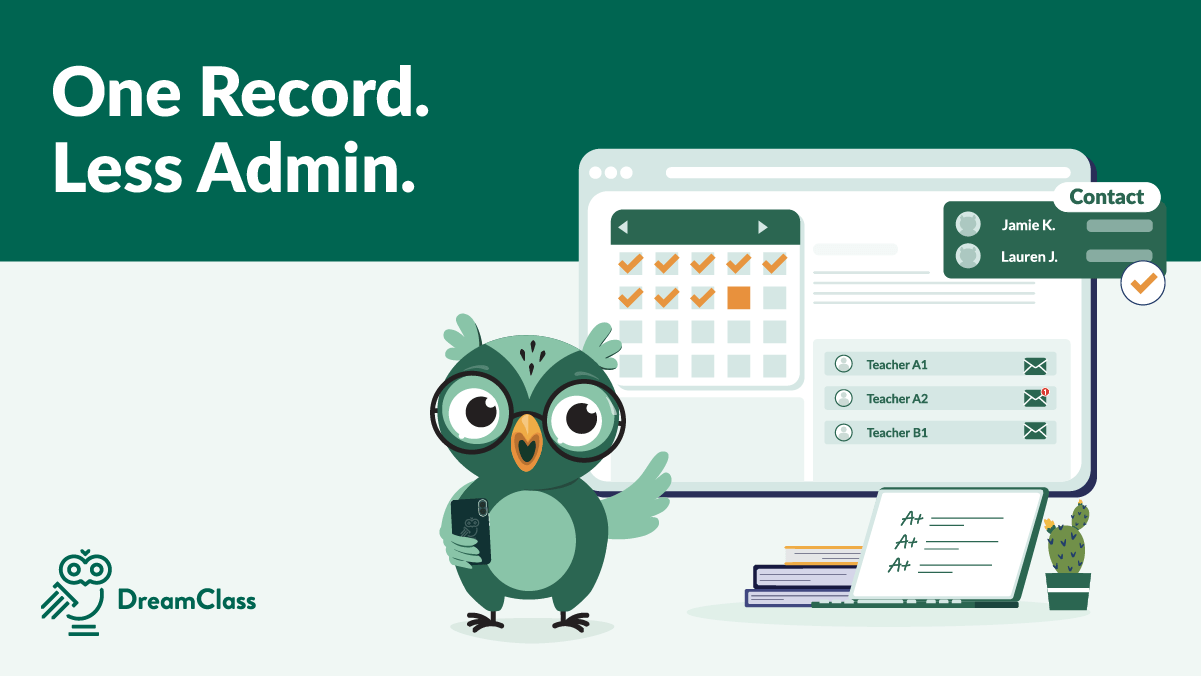
Comparing DreamClass vs legacy SIS comes down to a difference in design philosophy. Legacy vendors built their systems module by module, often through acquisitions. As a result, features rarely talk to each other cleanly. Contrary to that, DreamClass’s team built the platform as one connected system from the start. And that means attendance, grading, billing, and communication live in the same place, instead of five different logins.
That difference shows up immediately during onboarding. A school moves its records into DreamClass once, instead of importing data into separate systems and hoping they sync. Administrators, teachers, and families then work from the same source of truth (as we like to call it), and that consistency is what most legacy SIS platforms were never designed to deliver. And that’s only natural.
Modern SIS vs Old SIS: Feature-by-Feature Breakdown
A side-by-side look makes the modern SIS vs old SIS gap easier to see. The sections below cover four areas where schools notice the difference first. That includes parent communication, attendance and grading, reporting and compliance, and pricing with support. These four areas show up again and again in DreamClass’s own customer reviews and onboarding conversations, which makes them a reliable starting point for any school comparing systems. If you’re short on time, skip ahead to the section that matches your school’s biggest pain point. But we do recommend that you read through all four, for the complete picture.
Parent Communication: DreamClass vs Legacy SIS
Legacy systems often treat parent communication as an add-on, so schools end up sending updates through email, text, and phone calls separately. DreamClass includes a built-in parent portal and messaging tool, so families can check grades, attendance, and announcements from one login. Teachers post updates once, and parents see them immediately, instead of waiting for a separate newsletter or a phone call home. For small schools running on a tight staff, that single change, we’ve found, removes hours of repeated communication every week.
Attendance and Grading: DreamClass vs Legacy SIS
Legacy SIS platforms frequently split attendance and grading into separate modules, which forces staff to double-check both before running a report. DreamClass connects attendance, gradebooks and academic records automatically. So, a teacher marking attendance in the morning doesn’t repeat that work when report cards go out. Vocational programs benefit here too, since clock hour tracking and module completion sit in the same system as attendance, instead of a separate spreadsheet. A school with a few hundred students, for example, can pull a full term grade and attendance report from one export, instead of reconciling two separate systems by hand.
Reporting and Compliance: DreamClass vs Legacy SIS
Pulling a compliance report from an old SIS often means exporting data from multiple modules, and then combining it by hand. DreamClass generates State-ready reports and student records directly from the platform, since attendance, grades and enrollment data already live in one place. Administrators can produce a report for a State audit or a parent meeting in minutes, rather than an afternoon. And the numbers match, because there’s only one dataset to pull from. For example, when a State auditor requests a full year of attendance and grade history, DreamClass administrators can generate it from a single export, rather than combining three separate spreadsheets.
Pricing and Support: DreamClass vs Legacy SIS
Legacy vendors often charge for their reputation as much as their features, and support can slow down once a school signs a long term contract. DreamClass prices its plans for smaller and mid-sized schools, although large schools can also use it. And its support team responds through chat, email or a ticket. Reviewers switching from older platforms mention the same two things most often. That is, faster replies, and a lower cost, with none of the invoice surprises their old contract carried. One school director summed up the value trade off directly, noting that DreamClass “is priced to be very reasonable for a school of our size”:
DreamClass has been a great fit for our school’s unique needs!
I know we looked at a few different systems, but most were 1 size fits all and unable to work with the structure of our school. Most other systems were also priced for much larger schools and would not work in our budget. DreamClass is priced to be very reasonable for a school of our size!
Director of EducationEducation Management
Signs it’s Time to Replace Legacy School Software
Not every school needs to switch systems right away, but certain signals suggest it’s time to replace legacy school software before the problems compound. Schools that recognize these signs early usually make the transition on their own timeline, instead of being forced into it by a system failure. Watch for these patterns in how your team works day to day.
- Staff re-enter the same student data in more than one tool.
- Parents call the office because they can’t find grades or announcements online.
- State or accreditation reports take hours to assemble by hand.
- Support tickets go unanswered for more than a day.
- The system has no mobile access for teachers or families.
If two or more of these sound familiar, the cost of staying on an old platform is likely higher than the cost of switching. Schools rarely regret making the move, once they see how much of the manual work disappears.
How to Plan a Smooth SIS Migration
A smooth SIS migration comes down to three steps:
- export current records before the switch,
- run the old and new systems in parallel for a short window, then
- train staff on core tasks before retiring the legacy platform.
A SIS migration sounds intimidating, but schools that plan it in stages avoid most of the stress. Start by exporting current student, family and academic records, well before the school year begins. Especially, since summer and early fall give staff room to test data without disrupting daily operations.
Next, run both systems in parallel, for a short window. Enter new attendance and grades in DreamClass, while keeping the old system as a backup. That is, until the team feels confident. Train teachers and office staff on core tasks first, like attendance and messaging, then add reporting and billing once everyone is comfortable. Most schools complete a full switch within a few weeks, not months. That’s, in part, because DreamClass’s onboarding team handles the data import directly.
Why Schools Choose DreamClass Over Legacy SIS Platforms
Reviews from schools that switched tell a consistent story. A co-founder described DreamClass as “a modern, intuitive SIS that stands apart from many legacy systems,” adding that other platforms “may offer extensive features, they often come with outdated interfaces and a cumbersome user experience”:
Modern, Intuitive SIS with Outstanding Support
DreamClass is a modern, intuitive SIS that stands apart from many legacy systems. While other platforms may offer extensive features, they often come with outdated interfaces and a cumbersome user experience. DreamClass, by contrast, feels current, clean, and easy to navigate. What really elevates the platform is the support team: they are responsive, solution-oriented, and consistently quick in helping us implement what we need. Overall, DreamClass delivers a strong balance of usability, functionality, and dependable support.
Co Founder
A Creative Operations Manager explained:
Easy to use and implement
The features that are available fit what we were looking for. Previously we had spent 2 years trying to get Classter setup for our needs, we ran into one problem after another and were never able to use it! We have only been setting up DreamClass for about 2 weeks and its ready to use. Customer service is wonderful, questions are answered quickly. They are constantly rolling out new features it seems and so far it has been a vastly different experience than what we went through with Classter.
Creative Operations ManagerHigher education
A Chief Operating Officer noted that the old platform’s “user interface is outdated” and that DreamClass “solved several pain points with our previous system, making our enrollment and financial process smoother”:
DreamClass is a powerful SMS that is streamlining and elevating our School’s operations.
First and foremost, the best thing about DreamClass is their team! DreamClass solved several pain points with our previous system, making our enrollment and financial process smoother. The user interface is well-organized and easy to understand with student/parent portals being a significant improvement over our last SMS. DreamClass is a cost effective and integrated solution to replace our use of Google Classroom and makes it easy for us to be GDRP compliant. The development team is very responsive, quickly addressing user feedback and consistently introducing enhancements that improve functionality. Very important for small organizations: DreamClass provides an amazing SMS solution at a very reasonable price point!
Chief Operating Officer and Chief Technology OfficerEducation management
Final Thoughts on DreamClass vs Legacy SIS
Choosing between DreamClass vs legacy SIS ultimately comes down to how much manual work your team is willing to keep doing by hand. Legacy vendors built their systems for a slower, more fragmented way of running a school. DreamClass consolidates attendance, grading, billing, and family communication into one connected platform, built for how schools operate now. For administrators, founders, and directors ready to stop patching together five different tools, the switch tends to pay for itself within the first term.
Ready to see how DreamClass compares for your own school? Book a free demo and walk through your actual attendance, billing, and reporting workflows with our team, before you decide.
Related Reads
FAQ
Frequently Asked Questions
What is the difference between DreamClass and a legacy SIS?
DreamClass connects attendance, grading, billing, reporting, and parent communication in one platform. A legacy SIS typically splits these into separate modules that require manual data entry and reconciliation.
How long does a SIS migration take?
Most schools complete a full migration within a few weeks, rather than months. That’s since our onboarding team handles the data import and schools run both systems in parallel during the transition.
Will we lose data when switching from a legacy system?
No. Schools export their current student, family, and academic records before the switch and keep the old system as a backup until the team confirms everything transferred correctly.
Does DreamClass work for vocational and homeschool programs, not just K-12 schools?
Yes. Vocational programs use DreamClass for clock hour tracking and module completion, and structured homeschool administrators use it for the same attendance, grading, and family communication tools covered in this article.
What happens to our old system during the transition?
Schools typically keep the legacy system running as a backup, while they enter new data in DreamClass. They retire it once staff are confident the new system has everything they need.