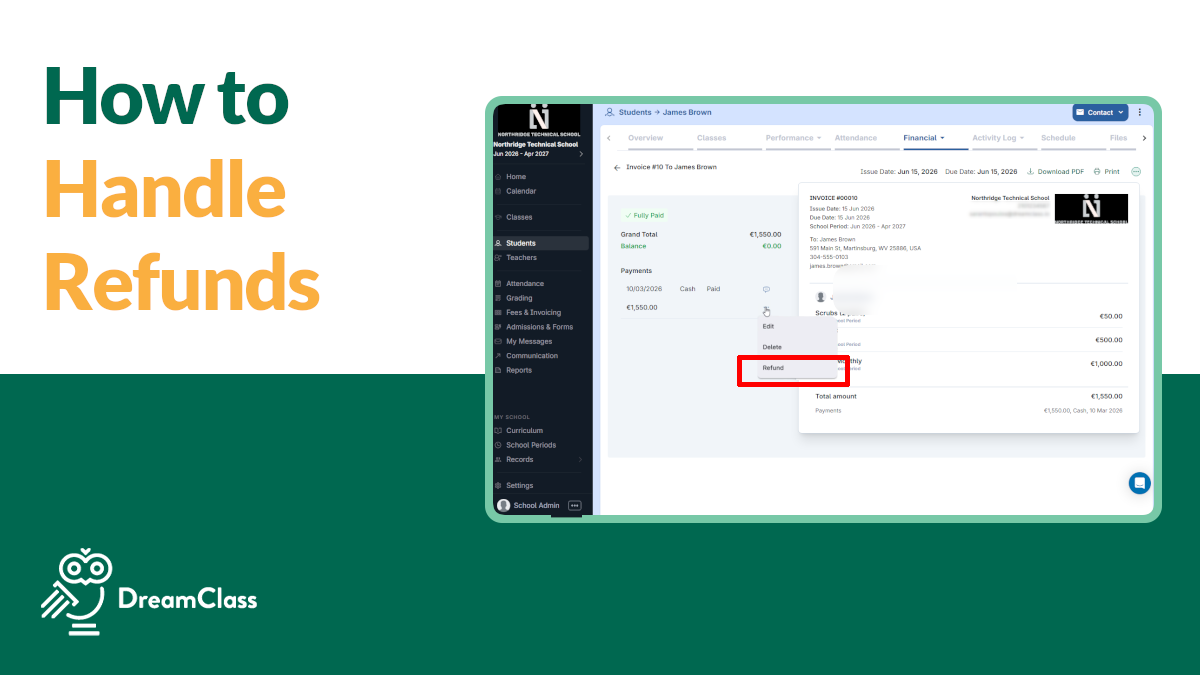
See how to issue full and partial tuition refunds in DreamClass in minutes, with clear steps for school admins and billing staff.
How to Issue Tuition Refunds in DreamClass
- - Guides
Practical guides that help your school run with less admin. From inviting teachers to managing attendance, grades, schedules, and communication, these step-by-step guides help you use DreamClass with confidence. Find practical ways to save time, reduce manual work, and keep your school organized as you grow.
See how to issue full and partial tuition refunds in DreamClass in minutes, with clear steps for school admins and billing staff.
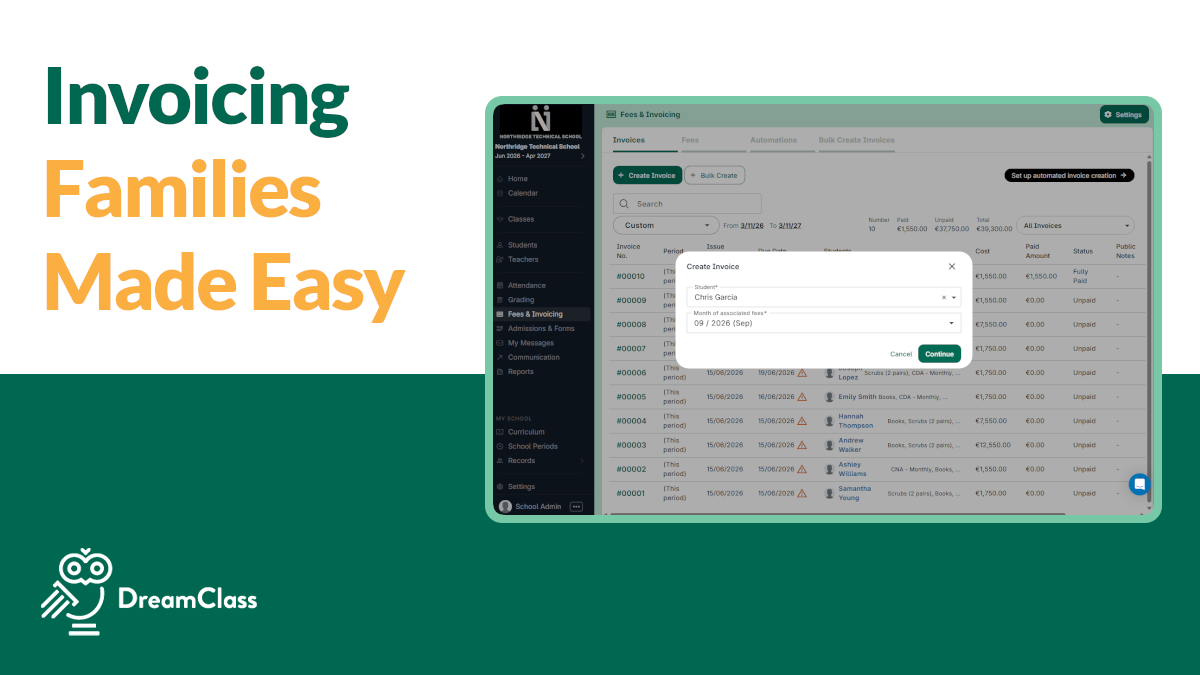
Send a one-off tuition invoice to any family in DreamClass in minutes, no automated billing setup required.
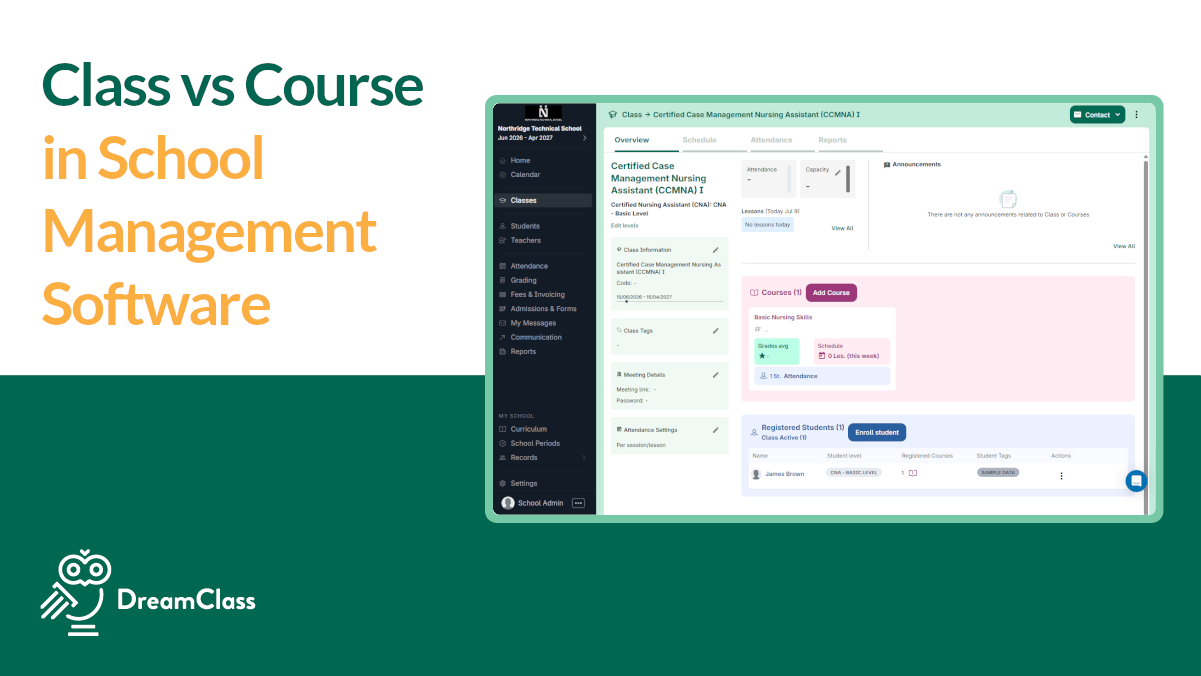
The difference between a course and a class in school management software, explained. How DreamClass structures classes, courses and subjects
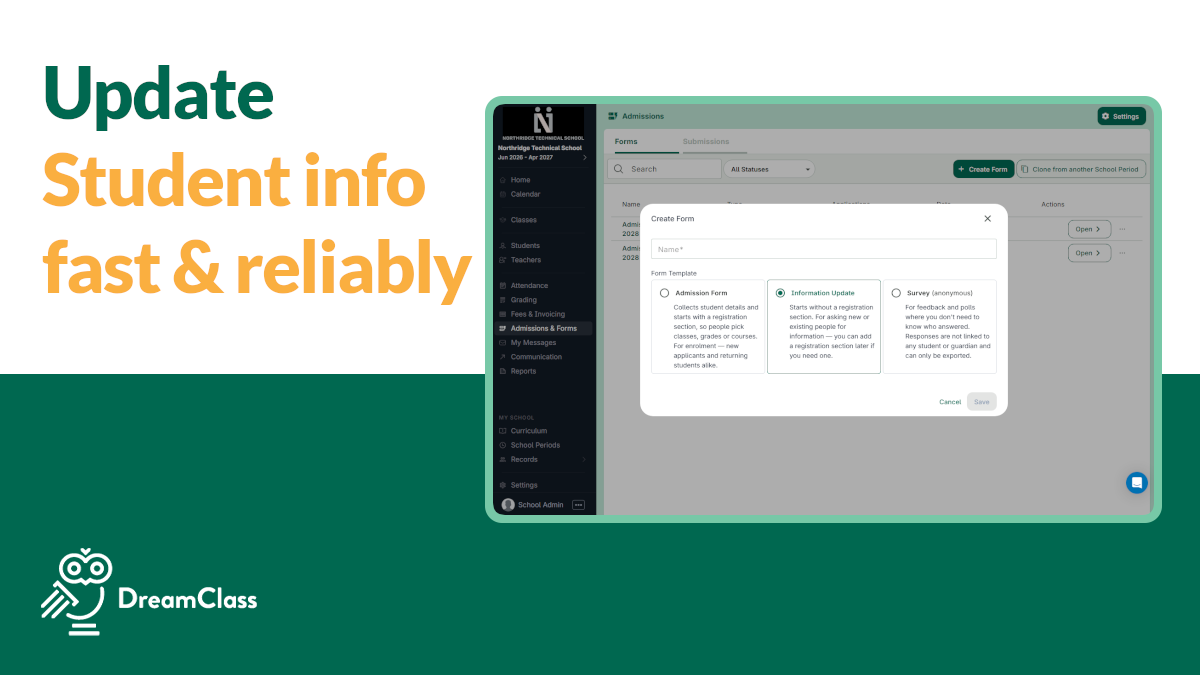
See which DreamClass form keeps student information linked to the right profile, and how to set up guardian access before sending one.
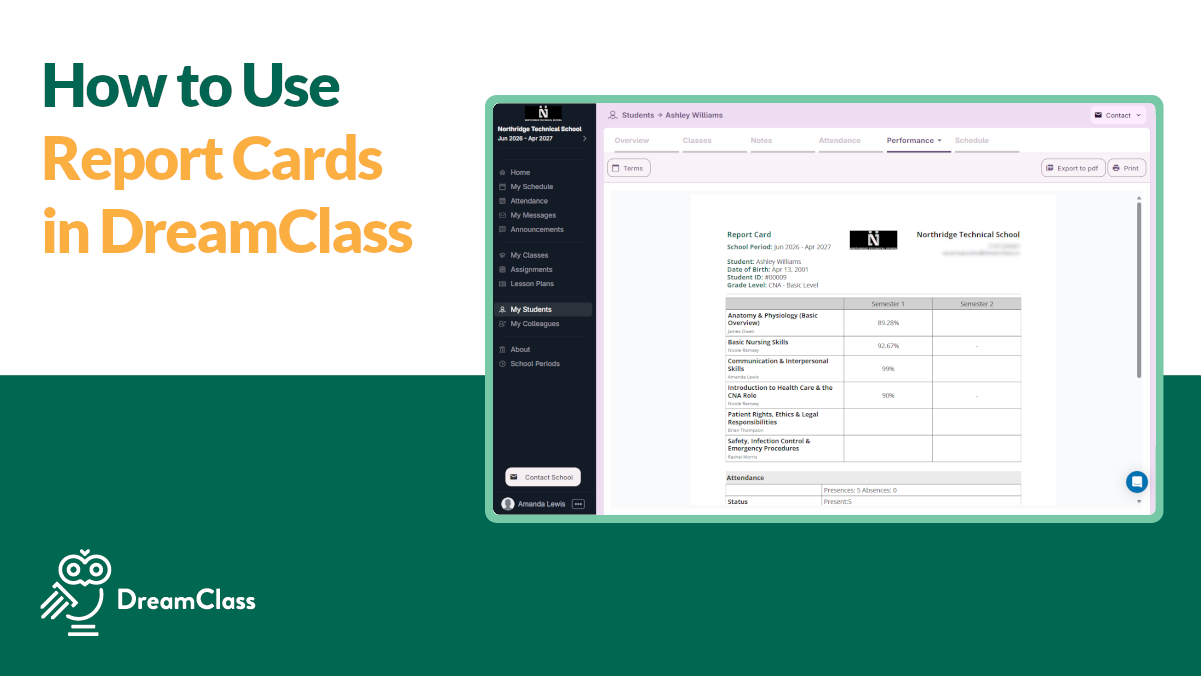
Set up grading terms, folders, weights, and templates in DreamClass, then issue report cards in bulk with this step-by-step guide.
Report card vs gradebook report card in DreamClass: See the difference, when to use each, and how both help schools share progress clearly.
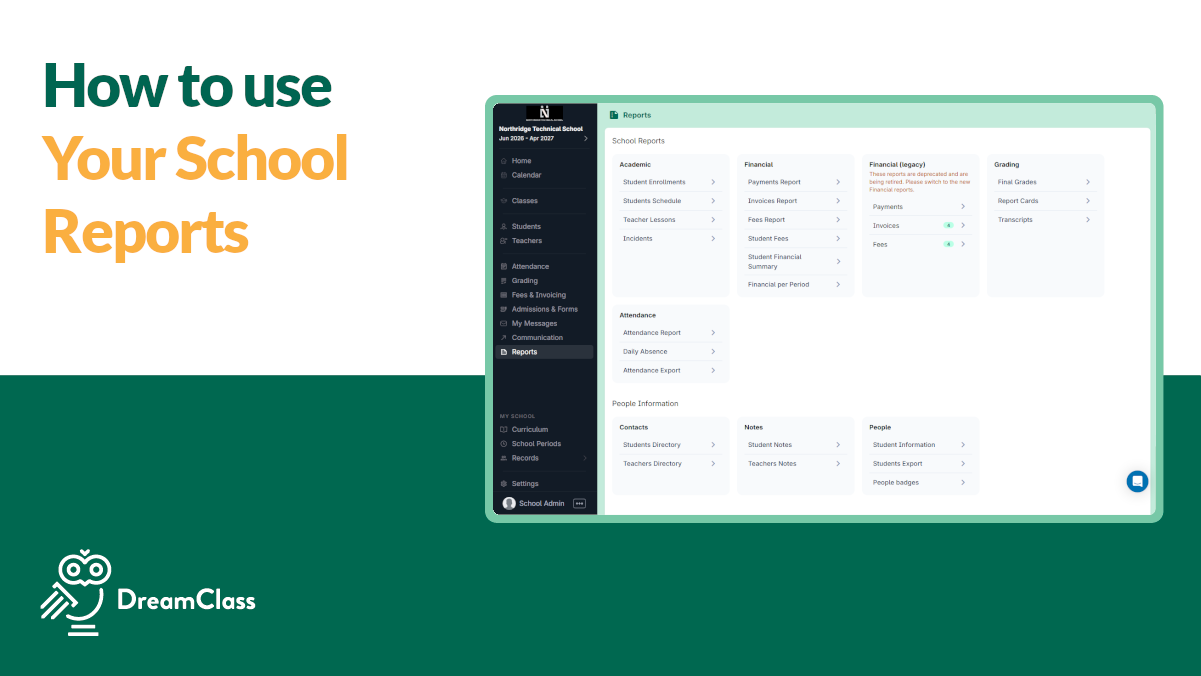
Learn how DreamClass reports help you track students, enrollments and payments, and export accurate data without spreadsheets.
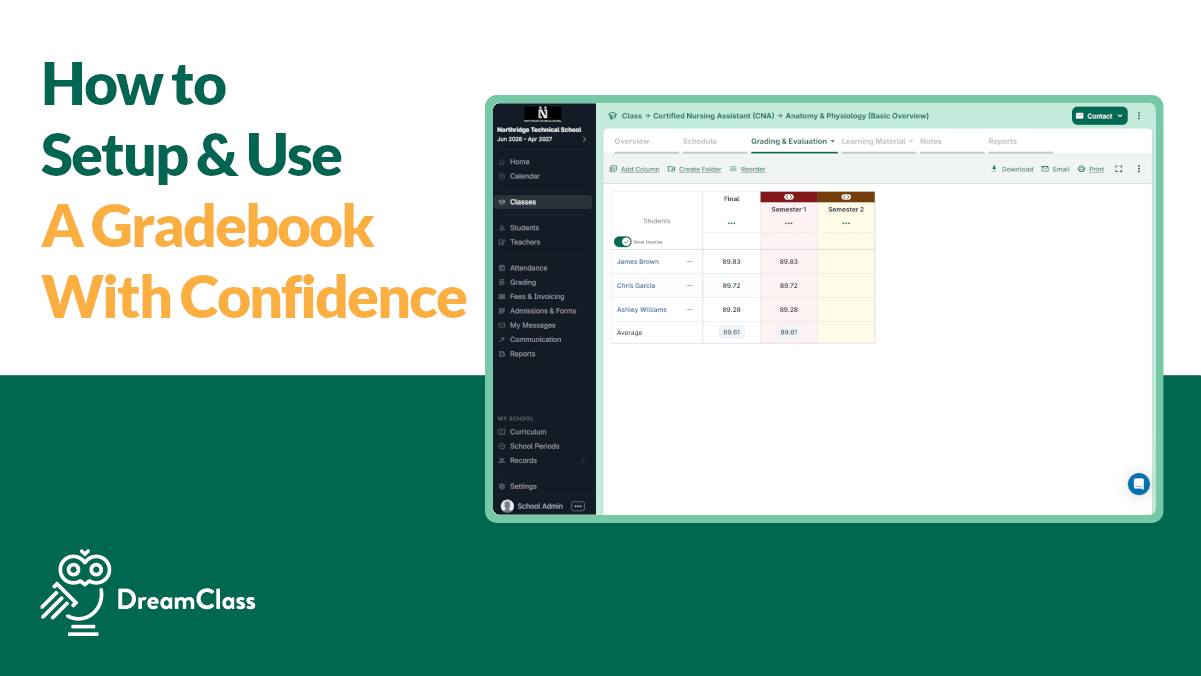
DreamClass gradebook setup guide for setting folders, columns, weights, final grades, and grade mapping with less admin work.
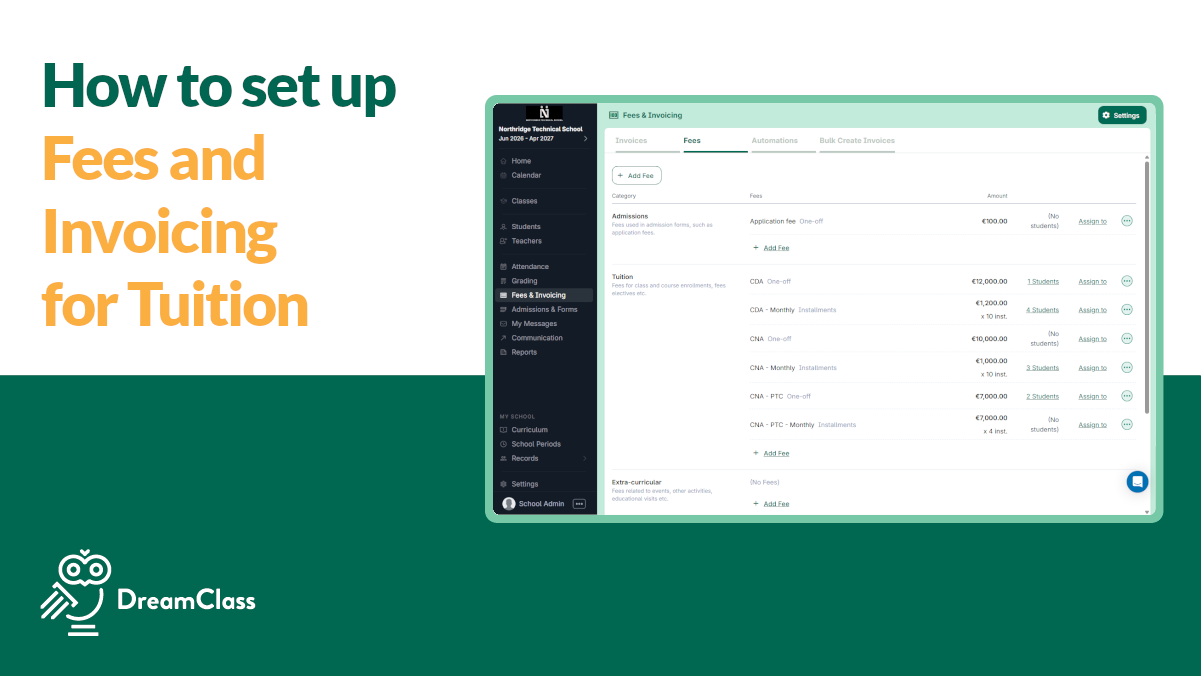
Fees & Invoicing in DreamClass helps schools create fees, send invoices, automate billing, and track payments easily.