Even though it currently includes a few basic LMS features, DreamClass is a Student Information System, not a Learning Management System. That single distinction answers most of what you’re likely searching for. But if you’re evaluating school software and need to understand exactly what DreamClass covers and where it stops, this article breaks it down plainly. Let’s find out.
What’s the Difference Between an LMS and a Student Information System?
An LMS delivers digital course content to students. A Student Information System manages records, enrollment, attendance, and billing.
A Learning Management System (LMS) is built around online content delivery. Platforms like Canvas, Moodle, and Google Classroom, for example, let teachers upload course materials, create online assignments, host recorded video lessons, run quizzes, and facilitate student discussion forums. The LMS is the digital classroom, in that scenario.
A Student Information System, or SIS, is built for school administration. It manages who your students are, where they stand academically, whether they’ve paid tuition, whether they attended class, and what their official records say. The SIS handles the operational back office that keeps a school running.
Schools can, and often do, run both systems simultaneously. They address different layers of school operations and don’t conflict with each other. But they’re not interchangeable tools, and understanding the distinction saves a lot of wasted evaluation time.
What Does DreamClass Include as a Student Information System?
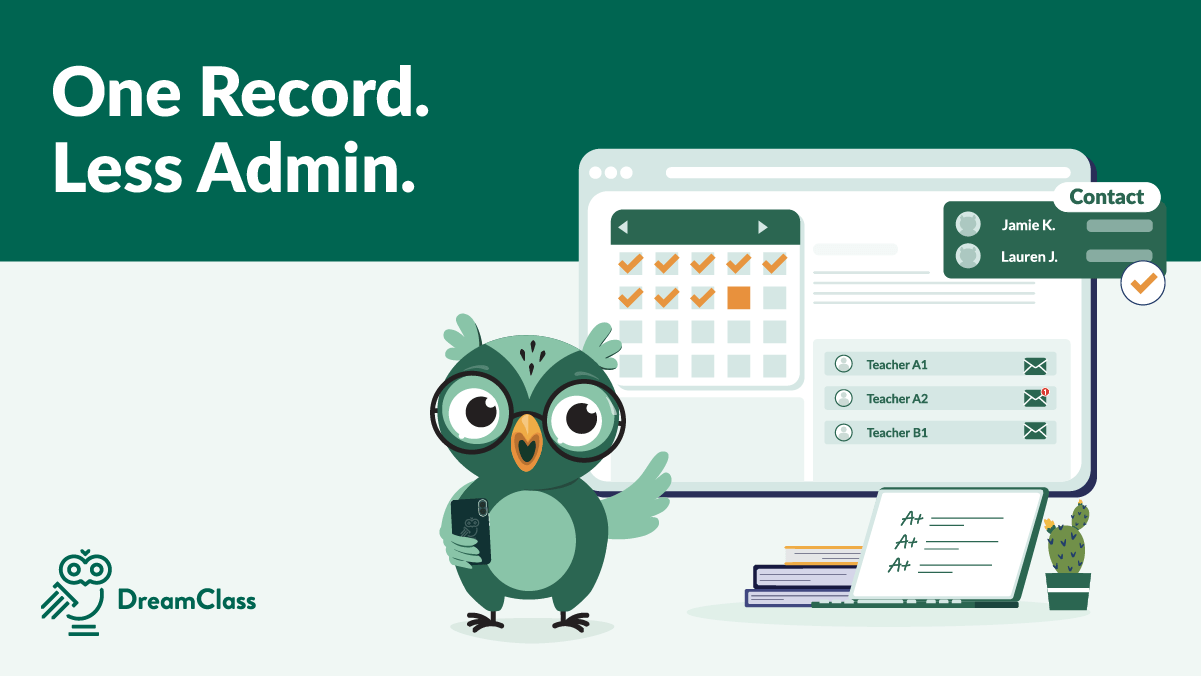
DreamClass manages the full administrative layer of running a school. Its core functions span admissions, student records, attendance, academics, scheduling, billing, and communications.
On the admissions side, it provides digital application forms with customizable fields, drag-and-drop form building, applicant status tracking, and one-click enrollment from accepted applications. Student profiles store academic history, uploaded documents, attendance records, and custom fields. Teachers and admins build gradebooks, automate grade calculations, and generate report cards and official transcripts directly from the platform. DreamClass also supports AI-assisted comment generation for report cards, which reduces manual writing time at the end of each grading period, if you need it.
Scheduling handles one-off and recurring lessons, detects classroom booking conflicts, and sends personalized timetable views to each user type. Role-based portals give students, parents, and teachers separate, appropriately scoped access to the data relevant to their role. Financial management covers tuition fee setup, invoice generation, payment tracking, and online payments via Stripe, Apple Pay, or Google Pay. All in all, it’s fairly easy to use.
As one DreamClass user put it:
Stellar Support and Product
The features are user friendly and easy to learn. The design of the app is intuitive, making it an efficient system in organizing a large amount of student information.
Assistant Program Director of Educational Support Services Education management
Does DreamClass Include Any LMS-Style Features?
As mentioned, for the time being, a few areas overlap with what some LMS platforms also offer. And it’s worth naming them plainly, rather than letting them create false expectations.
DreamClass includes lesson plan management: teachers can create, organize, and store lesson plans internally. It supports assessment notes added directly to student profiles, and AI-assisted summary generation for use on report cards. Gradebooks track performance across subjects and grading periods, with automated average calculations and bulk grade entry for entire classes.
None of these replace what an LMS actually delivers. DreamClass does not host video lessons, serve digital course content to students, run interactive online quizzes, or provide a student-facing course environment where learners consume assignments and materials online. The lesson plan feature is an internal planning and record-keeping tool, not a student-facing content delivery system. If your question is “Can DreamClass deliver my curriculum to students digitally?”, the answer is no. That function belongs to an LMS.
When Does a School Need an LMS Instead of a Student Information System?
An LMS is the right fit when your primary requirement is online content delivery. If you’re running a fully virtual school, a hybrid program where students complete online assignments between in-person sessions, or a course that depends on recorded video lectures and digital assessments, you actually need an LMS.
Many small private schools, homeschool co-ops, and structured enrichment programs, however, teach in person. Or maybe through external curriculum materials that live entirely outside any software platform. Their operational pain points are administrative. And they include enrollment paperwork, attendance records, tuition collection, parent communication, and generating official transcripts. These schools often have no use for an LMS at all. What they need is an organized, reliable system that handles the back office cleanly. And that’s where DreamClass fits.
Can a School Use Both an LMS and a Student Information System?
Yes, many schools use both an LMS and a Student Information System. A private K-12 school might use Google Classroom or Canvas for digital content delivery, while running DreamClass for admissions, attendance, billing, and official student records. The two systems address different operational layers and don’t duplicate each other’s functions.
That said, schools that switch to DreamClass, it’s still true they often do so precisely because they were running too many disconnected tools. So, separate spreadsheets for enrollment, a different system for invoicing, email threads for parent communication. DreamClass consolidates those administrative functions into one platform. If your school teaches in person and doesn’t require a digital course delivery environment, DreamClass alone handles most of what you need operationally, without the overhead of managing two systems side by side.
How Do You Evaluate an LMS for a Private School Setting?
If your school does need an LMS alongside DreamClass, you should evaluate it against your actual teaching model. A few questions to work through first:
- How much instruction actually happens online? If it’s occasional file-sharing between in-person classes, a full LMS is probably overkill. If a considerable share of coursework is asynchronous or remote, it earns its place.
- Does it integrate cleanly with your SIS? The three integrations that matter most are roster sync, grade pass-back and, ideally, single sign-on. Without this type of convenience, staff end up re-entering the same student data in two systems. Records will drift apart over time.
- Who’s actually using it day to day? Teachers need to build and manage courses without a steep learning curve. And then, students need a simple way to find assignments and submit work. If either group needs any amount of training just to log in, that’s a cost you’ll pay every semester.
- What does it cost beyond the license? To understand that, you should factor in setup time, ongoing admin, and whether you need a dedicated staff member to manage it.
- Does it duplicate something DreamClass already does? Well, lesson planning and basic assignment tracking already live in DreamClass. Basic LMS features are also available. Make sure the LMS you’re evaluating is adding course delivery, not re-solving a problem your SIS already handles.
Our recommendation? Start with the administrative pain points DreamClass solves first, including enrollment, attendance, billing, records. Only add an LMS once your teaching model genuinely needs digital content delivery.
Which Platforms Does DreamClass Actually Replace?
DreamClass most directly replaces spreadsheets, paper-based record-keeping, and the patchwork of disconnected point tools that small schools build (usually on low or no budget) around enrollment, invoicing, attendance tracking, and parent communication. It also competes with other Student Information Systems and school management platforms.
One school administrator described the experience of switching over from another platform:
Thank you [sensitive content hidden]
Our over all experience in a short amount of time has been positive. Their team worked closely with us as we switched over from another platform. And took as many calls and emails from us as necessary to ensure we feel confident in managing this platform for our school.
Operations and Online Female People Coordinator Education management
DreamClass does not replace, and is not designed to replace, learning management platforms such as Canvas, Moodle, Blackboard, or Google Classroom. If you’re evaluating DreamClass as a substitute for an LMS, it won’t fit that use case. If you’re evaluating it as a replacement for administrative systems or spreadsheets, it almost certainly will.
How does it help your school?
If your school’s biggest administrative headaches are enrollment friction, attendance records, tuition management, and parent communication, DreamClass is purpose-built for that. If you need a platform to deliver digital course content to students, an LMS is what you’re looking for.
DreamClass offers a free trial with sample data pre-loaded, so you evaluate a working school environment, not an empty dashboard. If you’re unsure whether the feature set maps to your school’s specific setup, the team is available to walk you through it before you commit.
Related Reads
- What Is a Student Information System (SIS)?
- K-12 Student Information Systems: The Complete Guide for School Administrators
- The Ultimate Guide to Choosing a School Management System
- Top Benefits of Implementing a School Information Management System
- The Role of Student Information Systems in Modern Education
FAQ
Frequently Asked Questions
Is DreamClass an LMS?
No, DreamClass is a Student Information System (SIS), not a Learning Management System. It manages school administration, including admissions, student records, attendance, gradebooks, scheduling, financial management, and parent and teacher portals. It does not deliver digital course content as an LMS would or host online learning environments.
What is the difference between an LMS and a SIS?
A Learning Management System (LMS) is built for digital content delivery. That includes course materials, online assignments, video lessons, quizzes, and discussion boards. A Student Information System (SIS) is built for school administration, managing student records, attendance, enrollment, grading, scheduling, and billing. The two systems solve different problems. Many schools run both.
Does DreamClass replace Google Classroom or Canvas?
No. DreamClass is not designed to replace learning management platforms like Google Classroom, Canvas, or Moodle. It replaces spreadsheets, paper-based record-keeping, and disconnected administrative tools used for enrollment, attendance, tuition, and student records.
Can I use DreamClass alongside an LMS?
Yes. Many schools use DreamClass for administration alongside an LMS for content delivery. DreamClass handles admissions, attendance, billing, and official student records, while an LMS manages course materials and online student interactions.
What types of schools use DreamClass?
DreamClass is built for private K-12 schools, structured homeschool co-ops and collectives, and vocational or specialty programs. It serves administrators, school founders, and homeschool co-op directors who need an organized, affordable system for school operations.