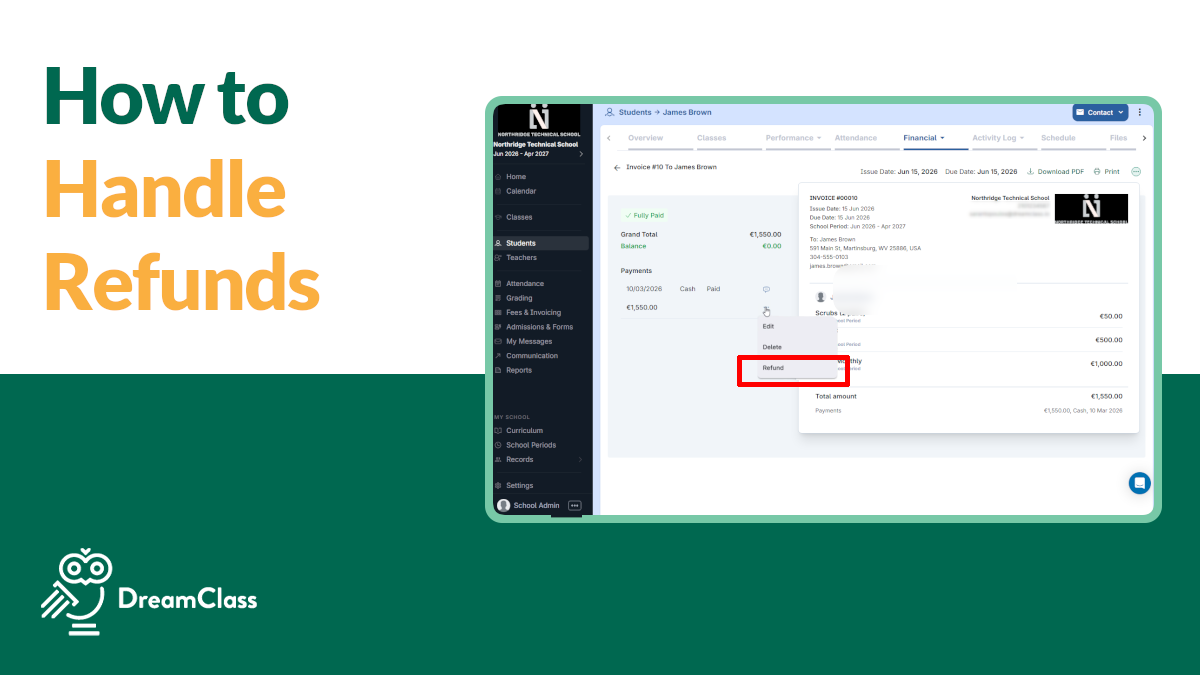
This is probably the most significant set of school management software updates shipped with DreamClass in the last year. In the last few months, the team has rebuilt three core platform areas from the ground up and delivered a complete overhaul of the admissions module. The result is a faster, cleaner, and considerably more capable system, regardless of whether you run a private K-12 school, a homeschool collective, a new campus still finding its rhythm, or a vocational training program.
Here’s what changed, what it means for your school’s daily operations, and what’s coming next:
Admissions Just Got a Lot More Powerful
The single biggest school management software update in this release is the completion of our Admissions overhaul. Nearly every DreamClass account is now on the new system. That matters because, for some time, newer accounts had access to capabilities that older accounts simply did not. That gap is about to close.
Now, beyond the migration, the new admissions system does something the old one couldn’t: it handles the full enrollment cycle without manual intervention at every step. When a class hits its capacity limit, the form closes automatically. No more checking registration counts at 11pm. No more awkward “we’re full” emails after the fact. Auto-approval now handles the end-to-end flow for high-volume applications, from submission through student creation, fee assignment, and invoice generation, without a staff member touching each record individually.
So, for schools that assign admission forms to guardians specifically, that workflow is now built in. The form goes to the parent who actually fills it out. Student levels assign automatically based on class selection, so no one is manually tagging records after submission. And for leadership needing a quick answer to “how many kindergarten applications do we have this week?”, per-grade enrollment counts are visible without exporting a spreadsheet.
The form-building experience has also been meaningfully refined. Custom sections, medical waivers, duplicate forms across school periods, bulk status changes, and a single-button review-and-accept modal are all now standard. For schools managing high application volumes, these are not cosmetic improvements. They cut the time your admissions staff spends processing each application, and they reduce the margin for error considerably.
Your Finance Area Has Been Rebuilt from the Ground Up
If you have used the fees and invoicing section of DreamClass over the past couple of years, you might remember payment statuses that mixed “unpaid” with “payment in progress” in ways that made reconciliation somewhat unnecessarily difficult. Fee assignment required too many steps. And then, invoice creation did not scale cleanly for schools with multiple payees.
As of this moment, the fees list page, the invoices list page, the payment creation wizard, and the fee assignment model have all been rebuilt to solve all that. The new automations page lets you set recurring billing logic once and leave it. Class fees are now visible and editable directly on the student page, so your staff can see the full financial picture in context, rather than navigating between screens.
The payment status lifecycle is, perhaps, the most immediately useful change. Unpaid, initiated, processing, failed, and completed now each map to a distinct state. Consequently, the unpaid filter shows you what is actually unpaid, not a mixed list that requires manual interpretation. For schools that process a large number of payments, this change alone reduces the time spent on financial reconciliation each week.
Multi-payee invoice generation, visual alignment fixes on the invoice page, and cleaner payment option creation complete the overhaul. This is not a school invoicing software feature update. It is a new financial module.
Report Cards Are More Flexible Than Ever
The report card updates in this release are particularly relevant for schools with non-standard structures. The new per-course layout renders results by course, a format that many schools with subject-specific grading needs have requested for some time.Multi-branch schools can now display the organization name, the branch name, or both on report cards and transcripts, a long-standing request that addresses a real compliance and identity need.
Parents and students can now download their own report card PDFs directly from the guardian and student portals. For schools that have historically managed this by staff request, the shift to self-service significantly reduces administrative load. Bulk ZIP downloads for large schools have also been improved, with a higher limit and better reliability for export runs that previously timed out.
Additionally, support for traits and credits in report cards is now available across all schools. PDF rendering and typography have been cleaned up throughout, so the documents your school sends home look more professional, with less manual formatting required.
DreamClass Is Building a Real Communication Hub
The communication upgrade is probably the second-biggest story in this release, and the framing matters. DreamClass is not adding notification features. It is building a real conversation infrastructure. The backend has been rebuilt to support true threaded conversations rather than one-way email blasts, and the new inbox and message view reflect that direction.
Threaded messaging means related messages now group properly. Conversations do not fragment across unrelated email threads. The redesigned mail dialog improves recipient management, and full attachment support is now available in the new mailbox. For schools managing communication across large student bodies, the grouped message logs, alone, reduce the time spent hunting for prior context.
Complete email logging is the other significant change here. Every system-generated email is now logged and traceable. For any school that has dealt with a parent claiming they never received an enrollment confirmation or a fee notice, this removes the guesswork. You can verify delivery, or identify the failure point, without relying on memory or manual tracking.
One important note: Replies sent directly from an email inbox, like Gmail or Outlook, will not thread back into DreamClass yet. That’s coming. What you have today is the foundation, and it’s a strong one.
A Few More Things Worth Knowing
White-label domain support is available. If your school has a custom domain and wants the platform to reflect your brand rather than a DreamClass subdomain, that option is now supported. For established schools and vocational programs that present a professional face to families and students, this is a meaningful operational upgrade.
French report card translations have been added. This extends DreamClass’s localization capability for international schools and bilingual programs.
Now, for trial users specifically, two updates are worth noting:
- Sample data now populates every new trial account, so you are evaluating a working school environment rather than an empty dashboard.
- When ready, you can clear that data and start with your own records in one click, which makes the transition from evaluation to live use considerably cleaner.
Here’s the complete list of changes:
Release Notes
Admissions
- Most schools have already migrated to the new Admissions system (Contact support@dreamclass.io if you haven’t migrated yet)
- Max class capacity enforcement on forms
- Automatic approval for end-to-end application processing
- Auto-assign student level from class selection
- Assign admission forms to guardians
- New form sharing options and controls
- Form filter by status
- Enrollments per grade level view
- Custom sections restored in form builder
- Single-submission review and accept modal
- Duplicate admission forms across periods
- Bulk class deletion, bulk status changes per row, pagination, and items-per-page controls
Finances
- New Fees list page
- New Invoices list page
- New Payment option creation wizard
- Fees automations page for recurring billing logic
- Fee assignment model rebuilt: assign, unassign, and view student fees
- Class fees visible and editable on student page
- Payee selection and multi-create on invoices
- Accurate payment status lifecycle: unpaid, initiated, processing, failed, completed
- Unpaid filter no longer mixes unpaid with payment-in-progress records
- Invoice page visual and alignment fixes
Report Cards
- Per-course report card layout
- Organization name option on report cards and transcripts
- Print and export PDF from guardian and student portals
- Support for traits on report cards, available across all schools
- Credits in report cards
- PDF rendering and typography improvements
- Bulk ZIP report card download limit raised and reliability improved
- Mass export of students and final grades
Communication
- Backend rebuilt for two-way threaded communication
- Message threading: conversations now group properly
- Grouped message logs
- Redesigned mail dialog with improved recipient management
- New inbox view
- New message view
- Attachment support in the new mailbox
- Complete email logging for all system-generated emails
- Attachment handling fix: attachments are no longer deleted
- Cleaner sender attribution for automatic messages
Already a DreamClass User? Log in to your dashboard and see what’s changed.
You know? DreamClass is built around the real constraints of small and growing schools. Each of these updates came from direct feedback from administrators, founders, and directors managing admissions, finances, and communication with lean teams. If you have questions about any of the changes above, or you want to walk through how a specific update applies to your school’s setup, the support team is here to help.
And, of course, you can explore the full feature set at Admission Management, Financial Management, and Communication alerts.
FAQ
Frequently Asked Questions
Do I need to do anything to get the new Admissions features?
Virtually every DreamClass account is now on the new system. If you have not yet migrated, contact support@dreamclass.io to request priority migration.
What happened to the old fees and invoices module?
The new Fees and Invoices replaces it entirely. The fees list page, the invoices list page, the payment creation wizard, and the fee assignment model have all been rebuilt.
Can parents download their own report card PDFs?
Yes. Parents and students can now download their own report card PDFs directly from the guardian and student portals.
Related Reads
- What Is an Admission Management System?
- School Admissions and Enrollment Management for Modern Schools
- Why Invoicing Software in DreamClass Is a Must-Have: 7 Key Benefits for Schools
- Financial Planning in Schools: How DreamClass Helps
- Which Software Offers Customizable Report Generation for School Administrators?
- Which School Management Solutions Include Built-In Communication Tools for Parents?