User Access Management
Secure, role-based access across your entire school
Give every user the tools they need — and only what they need.
Features are fully functional for 7 days. Plans starting from $44/mo.



Trusted by Schools of tomorrow across the globe












Built for security
Whether you’re a student, teacher, guardian, or admin, our platform delivers portals tailored to different user types that streamline access to academic, financial and communication tools.
Why Schools Love Our User Access Management Features
Portals Designed for Every Role
Students, teachers, guardians and admins, each get a personalized dashboard, with tools that match their responsibilities.

Built-In Communication, Across the Board
Messaging options are available inside every portal. No need for third-party tools or apps.

Real-Time Visibility for Everyone
Stakeholders see updated schedules, grades, invoices, and attendance, the moment they’re published.

Secure, Scalable Access Management
Control logins, assign roles, and manage family access, all from a central dashboard.

Student Portal
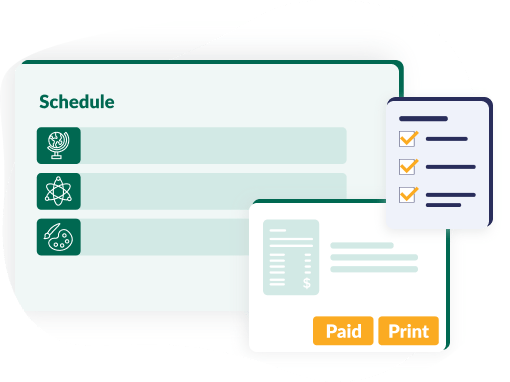
Everything a student needs in one place:
- Submit applications, preferences, and re-enrollment forms
- View personalized schedules, lesson details and events
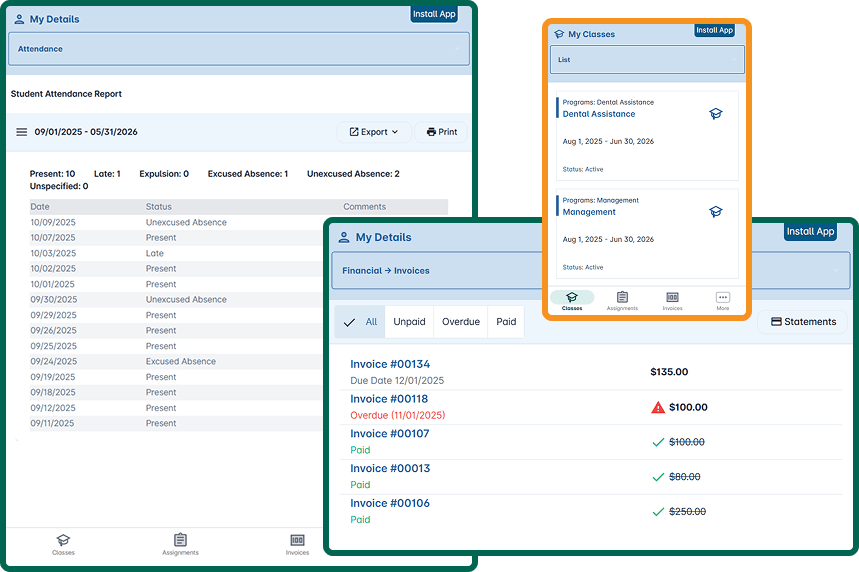
- Track attendance summaries by course or absence type
- Pay tuition online (via Stripe, Apple Pay, Google Pay and more)
- Access and print receipts for all payment methods
- View invoice history with filters (paid, unpaid, overdue)
- Message teachers and classmates directly

Teacher Portal
Powerful tools for instruction and student support:
- Manage class schedules through a personalized calendar
- Use gradebooks, fill assessments, and notify students
- Take attendance, mark late/absent and track summaries
- View enrollment lists and attendance by class or date range
- Communicate with students, guardians, and colleagues
Guardian Portal
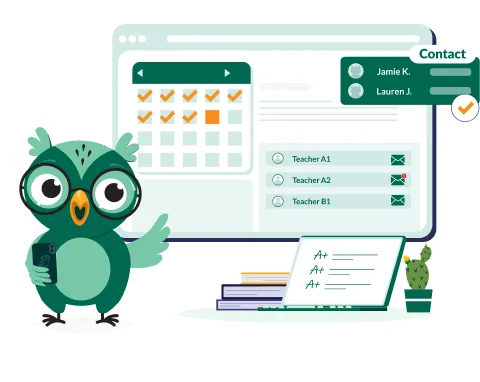
Visibility and control, without extra emails:
- Submit and monitor student applications and enrollment
- View contact details, classes, grades, attendance, and teachers
- Access report cards, live grades, and assessment summaries
- Track financial obligations and make secure tuition payments
- Message teachers directly, without admin gatekeeping
- View the full calendar of events and student schedules
Administrator Dashboard
All-in-one access to academic, financial, and user data:
- Guardian Management
- Create and edit guardian profiles
- Link multiple guardians to one student, and assign roles
- Grant/restrict access, in bulk
- Group guardians and students into family units
- Teacher Management
- Personalize teacher access to class data, notes, schedules
- Enable lesson tracking and assessment tools
- Student Management
- Assign portal access, and update student dashboards
- Oversee grades, applications, invoices, and attendance
- Academic Oversight
- Review lesson plans and ensure instructional consistency
- Access real-time academic info, from any device
- Mobile Access
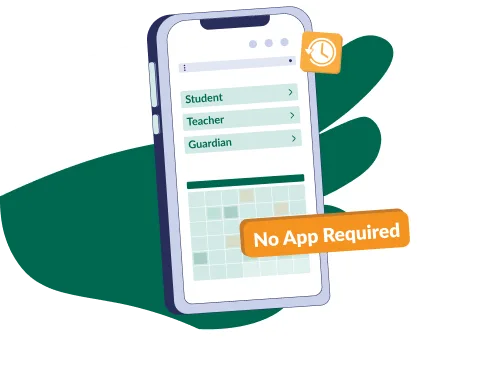
- No app download required: Get mobile browser access with a simple home screen icon installation
Find more features?
- Academic Management
- Student Management
- Teacher Management
- Scheduling & Timetables
- Financial Management
- User Access Management
- Communication & Notifications
- Multi-Branch & Scalability
- Admission Management
- Role-based views
- Custom user access
- Secure cloud access
CASE STUDY: AEROJET AVIATION TRAINING ACADEMY
Centralized Data Management & Communication
Dreamclass has helped manage and organize all kinds of school data, from personal details to academics, which has supported decision-making processes. It has also effectively facilitated communication among students, admins, and Instructors.

Empower your school community with tailored access
Start your FREE trial today and unlock secure, role-based portals for everyone.
Or view our pricing plans.

Frequently Asked Questions
Do students, teachers, guardians, and admins each get their own portal?
Yes, each role gets a customized portal with tools relevant to their needs; students for classes and payments, teachers for instruction and grading, guardians for oversight and communication, and admins for full control.
Can students and parents track payments and invoices?
Yes. Students and guardians can view, filter, and pay tuition invoices online. They can also print payment confirmations and track payment history for all payment types.
What communication tools are built in?
All user portals include secure messaging tools. Teachers can message students or guardians. Guardians can message teachers directly. Students can message peers or teachers. All, without needing third-party tools.
Can we control who has access and what they see?
Yes, absolutely. Admins manage login credentials and can enable or disable access by role or individual user. Guardians can be linked to multiple students and grouped by family, for better communication and financial tracking.
Is the system mobile-friendly?
Yes, all portals are fully responsive and accessible via mobile browsers. Users can install the system to the home screen of their smartphone or tablet for a native app-like experience, without using app stores.
“We don’t want parents calling just to ask for grades or timetables.”
No problem. Guardians can access real-time grades, schedules and reports directly from their portal, reducing the need for one-off requests.
“Our teachers are already stretched thin. Will this add more work?”
Actually, it reduces workload. Teachers can take attendance, enter grades, send messages, and view summaries from one place, without relying on scattered tools. And they can even do it on the go.
“Can this support families with multiple children at the school?”
Yes. Guardians can be linked to multiple students, under one login, making it easy to track progress, payments, and communication across siblings.
“How secure is access control across different user types?”
Access is permission-based and completely customizable. Admins can grant or restrict access to data or features per user group or individual user.
“Do we need to install anything or get parents to download an app?”
No app installation required. All features are browser-based. Families and staff can install an icon to their home screen for easy access, just like an app, without downloading anything from any app store. An internet connection is still required to access the data, though.